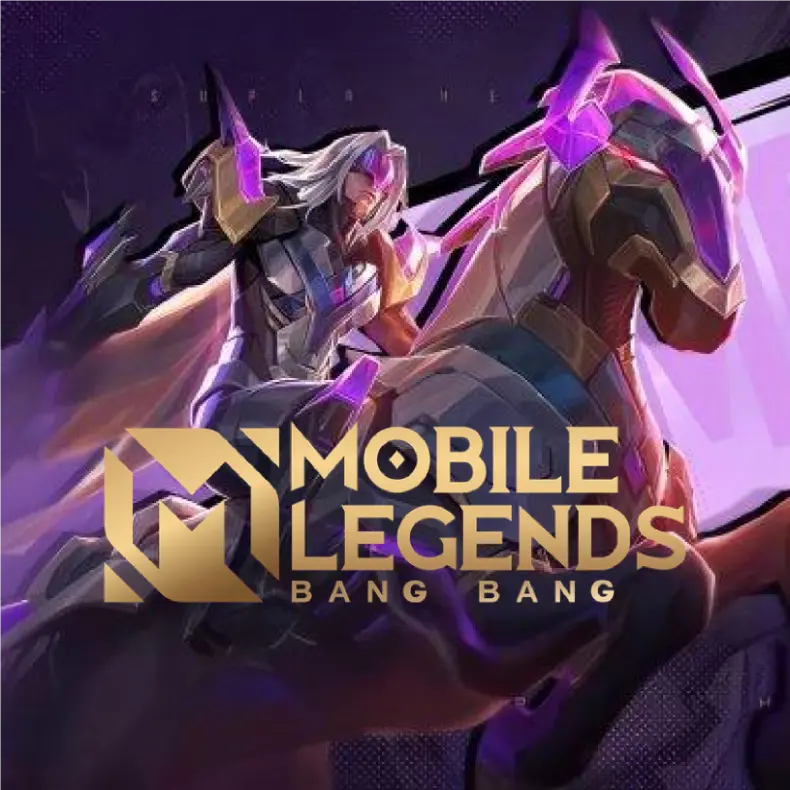
Mobile Legends
Moonton
⚡ Fast Process
💬 24/7 Chat Service
🌍 Region Philippines
💳 Secure Payment
⚡ Fast Process
💬 24/7 Chat Service
🌍 Region Philippines
💳 Secure Payment
How to Top-up
- Enter your User ID and Zone ID, Example: 667632423 ( 5246 )
- Select the Nominal Diamonds you want
- Complete the payment
- Diamonds will be added to your Mobile Legends account
Rating overview
5.0/5
5
4.482
4
2
3
0
2
0
1
2
ejmesc******ail.com
56 Diamonds ( 51 + 5 Bonus )
17 Oct 2026, 10:20
"The best top-up place!"
ejmesc******ail.com
Weekly Diamond Pass
17 Oct 2026, 10:19
"The best top-up place!"
ejmesc******ail.com
Weekly Diamond Pass
17 Oct 2026, 10:13
"The best top-up place!"
michael.an******[email protected]
168 Diamonds ( 153 + 15 Bonus )
17 Oct 2026, 08:55
"The service is very fast."
mgod38******il.com
Weekly Diamond Pass x2
17 Oct 2026, 08:42
"The best top-up place!"
1
Enter account details
To find out your User ID, please click the profile menu at the top left of the game's main menu. And the user ID will be visible at the bottom of your Game Character Name. Please enter your User ID and Zone ID to complete the transaction. Example: 12345678(1234). Enter 12345678 in User ID and 1234 in Zone ID
2
Choose item
MLBB x Aspirant Unite
-12% Off
-6% Off
1% Off
-6% Off
Special Items
-12% Off
-25% Off
Diamonds
21% Off
3% Off
19% Off
-7% Off
3
Choose payment method


4
Got voucher code
5
Order confirmation (Required)
Required: If there are problems, you will be contacted via E-mail
By purchasing I automatically agree to Terms of Service
Rating overview
5.0/5
5
4.482
4
2
3
0
2
0
1
2
ejmesc******ail.com
56 Diamonds ( 51 + 5 Bonus )
17 Oct 2026, 10:20
"The best top-up place!"
ejmesc******ail.com
Weekly Diamond Pass
17 Oct 2026, 10:19
"The best top-up place!"
ejmesc******ail.com
Weekly Diamond Pass
17 Oct 2026, 10:13
"The best top-up place!"
michael.an******[email protected]
168 Diamonds ( 153 + 15 Bonus )
17 Oct 2026, 08:55
"The service is very fast."
mgod38******il.com
Weekly Diamond Pass x2
17 Oct 2026, 08:42
"The best top-up place!"


DOUBLEK STORE

WhatsApp
